Photo albums
How to organize the pet photos you actually want to keep
Turn a crowded camera roll into a small album you can find again, without deleting the original photos.
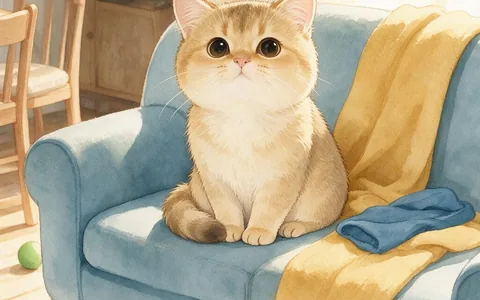
Start with a small album of favorite pet photos
When your camera roll is overwhelming, don’t start by deleting photos. Create one small album for a pet and pick a handful of moments from the last month. Keep the photo that tells you the most: the muddy paws after a walk may be more memorable than the sharpest portrait.
Once you have a small shortlist, the pet photo-to-storybook guide can help you choose clear references and pair them with a real memory.
Give each occasion a name you’ll remember
Try “Milo — first week at home” or “Bella — the rainy park walk” rather than “Pet photos 2.” Add the month or year if you have several similar occasions. Include one wider image if it helps you recognize the place later.
Check that the favorites exist in two places
Before you clean up your camera roll, check how your photo app handles deletion and syncing. Removing an image in one place can remove it from other synced devices. Save a separate copy of irreplaceable photos, then open a few files from the copy to verify they’re there.
A storybook can sit alongside your photo archive as a way to revisit those moments. See the PetStory FAQ for free preview, pricing and online reading details; keep your original photos backed up separately.